How to Run a Halloween Trivia Night (No Host Needed)
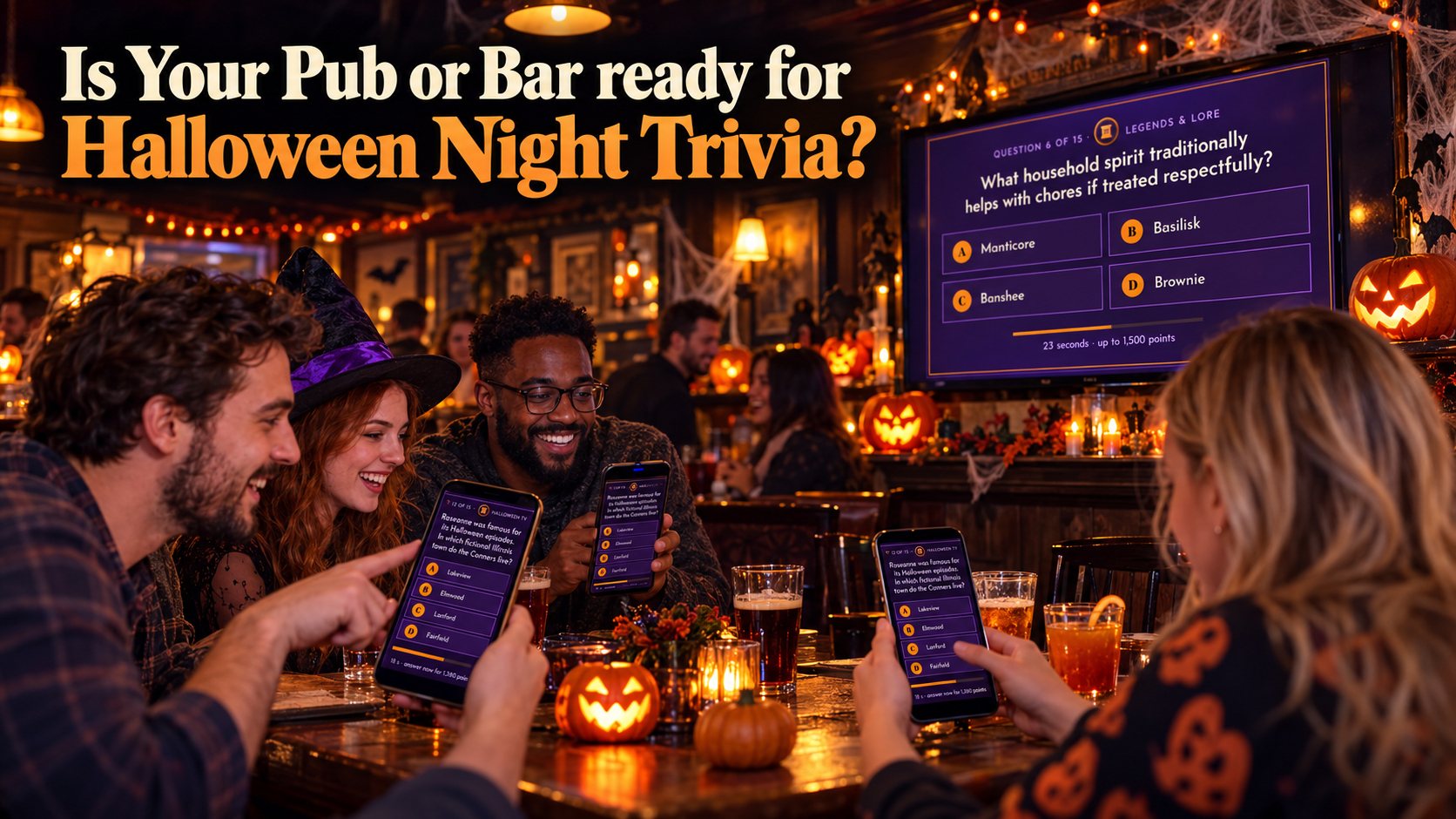
How to Run a Halloween Trivia Night at Your Bar (Without Hiring a Host)
Halloween is the one night your regulars bring their friends, and the one night everyone is looking for somewhere to land. You already have the TVs. You already have the crowd. All that's missing is something to do between drinks. Here's how to run a Halloween trivia night at your bar or pub with continuous trivia your customers play on their own phones - no host, no paper, no fixed schedule, and nothing to install.
Why a Halloween Trivia Night Pulls a Crowd
Trivia gives people a reason to stay for one more round. It turns a quiet screen into a talking point. And on Halloween, when the costumes are out and everyone is a little more willing to shout an answer, it turns your room into an event without turning your calendar into a second job.
You don't need a comedian on a microphone. You don't need to print sheets or score by hand. You run the games on the TVs, and your customers play along on the phones already in their pockets.
What You Actually Need
Most venues already have everything on this list:
- A TV with a browser
- A phone, tablet, or laptop for each player (their own works fine)
- Your regular internet connection
That's it. No app to install, no account for your customers to create. They open the trivia, you start the game, and the room fills up with answers.
Step 1: Connect the Trivia to Your TV's Browser
Open the TV's browser and load the trivia. That's the whole setup on the screen side. You're not casting from a laptop, not wrestling an HDMI cable across the bar, and not buying any new hardware. If the TV can reach a web page, it can run the trivia.
Set it on the TV your customers already watch, or on the big screen above the bar. One screen is enough to run the whole room.
Step 2: Start the Game From Your Admin Panel
Once the TV is connected, head to your admin panel and hit start. From there you choose the game and set it loose. Easy, Medium, or Hard - pick the level that fits the crowd in front of you. A busy Friday crowd might want to be tested. A slow Sunday afternoon might want easy wins and big laughs.
You control it from the panel, so you can start a round when the room is ready and change the pace whenever you like.
Step 3: Let the Games Play Themselves
This is the part that saves your staff. The games run automatically. Questions appear on the TV on their own, customers answer on their phones, and the scoring and leaderboards sort themselves out. Nobody has to read questions aloud, keep time, or add up points.
That means trivia isn't a nightly commitment. It's a switch you flip. Run it during the dead hour before the kitchen fills, during the wait on a busy night, or all evening long on Halloween. Start it, walk away, and check back when the leaderboard gets interesting.
Step 4: Put Your Halloween Specials on the Screen
Here's the part most bars miss: the TV is prime real estate, and during a game everyone is watching it. You can place your own Halloween promotions right there on the screen while the trivia runs - your themed cocktails, your two-for-one special, the prize for your costume contest.
It shows up mid-game, in front of an audience that's already looking at the screen. No flyers on the tables, no staff shouting specials over the noise. The screen does the selling while the game keeps the room entertained.
Step 5: Run the Night
A few things that make a Halloween trivia night land:
- Put the screen where everyone can see it - behind the bar or above the seating.
- Say the words out loud at the start. "Trivia starts in ten minutes, grab your phones."
- Theme the drinks, not the rules. Keep the trivia easy to join and let the costumes carry the atmosphere.
- Let it run long. Continuous trivia means there's no hard stop, so nobody has a reason to leave early.
- Watch the leaderboard and call out the leaders. A little friendly pressure keeps teams locked in.
Keep It Running After Halloween
Halloween is the excuse. Trivia is the habit. The same setup works for football Sundays, quiz nights, birthdays, rainy afternoons, and every slow stretch when a screen is doing nothing but showing ads nobody asked for.
Once it's connected, you own trivia that runs whenever you want it - no host to book, no fixed night to hold, no paper to shuffle. Halloween is just the night you show it off.
The Short Version
Connect the trivia to your TV's browser. Start the game in your admin panel. Let it play. Put your Halloween specials on the screen. Then watch your customers stay for one more round.
Your TVs are already on. They might as well be doing something your customers love.